
Stop Building Landing Pages From Scratch
Creating a high-converting landing page from scratch eats up time, money, and energy. You test endless layouts, tweak colors for hours, and still end up guessing what will finally convert.
But what if you could skip the entire trial-and-error process—and start from a page that’s already proven to work?
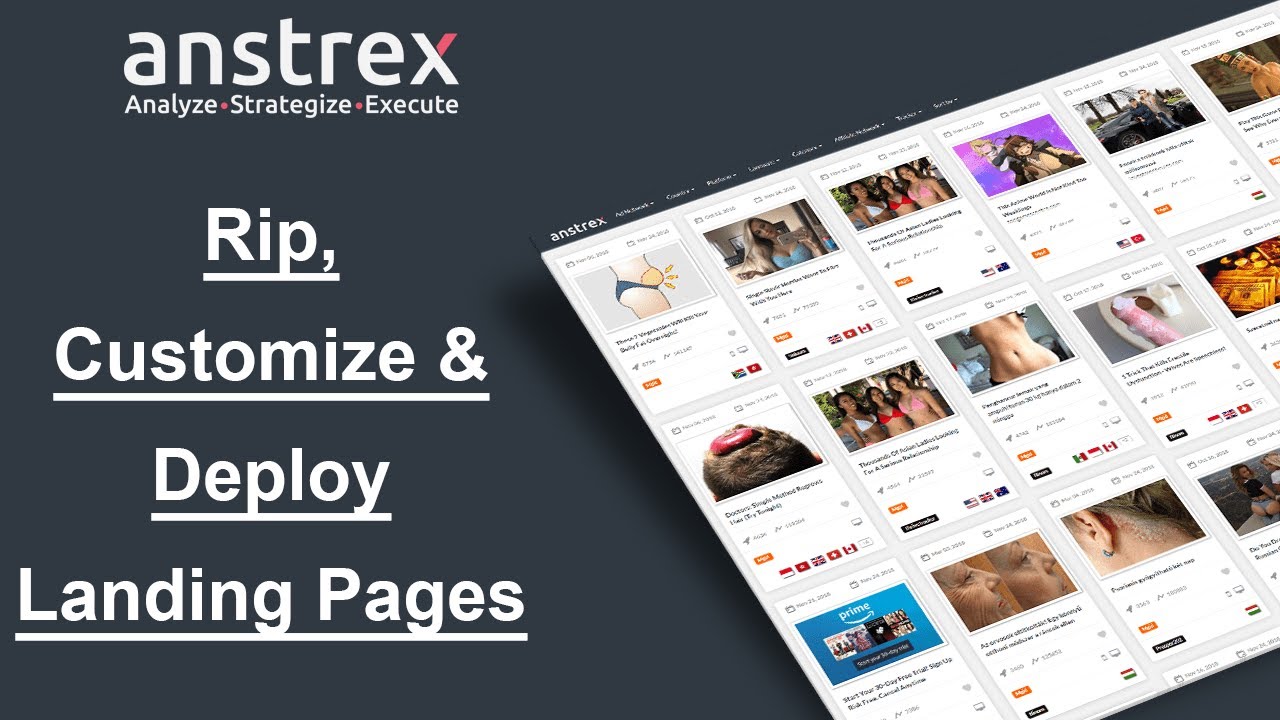
That’s exactly what the Anstrex Landing Page Ripper does. It lets you find, copy, edit, and deploy any competitor’s top-performing page right from within the dashboard—no coding, no FTP headaches, and no wasted days.
Why Copy Winners Instead of Starting Blind?
Experienced marketers know that modeling success beats guessing. When a campaign has already spent thousands on clicks and survived millions of impressions, its landing page isn’t random—it’s optimized by the market itself.
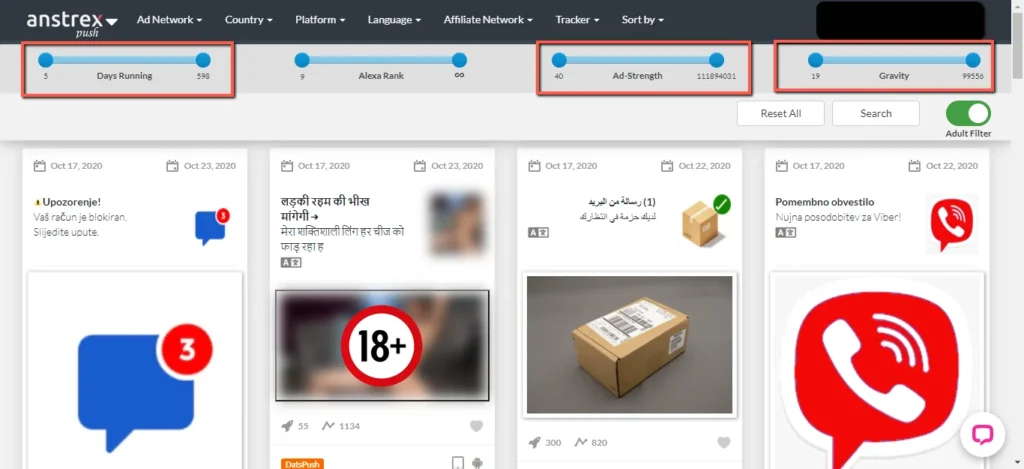
Anstrex highlights these “battle-tested” pages using metrics like Ad Strength and Gravity, helping you zero in on the landers that are proven to convert. Modeling such pages isn’t copying—it’s the smart, data-backed way to minimize risk and maximize ROI.
Steal Landing Pages Like the Pros: 20% Off Anstrex
Get the spy tool serious CPA affiliates use to swipe winning pages. Use code BLOGGINGECLIPSE_COM for 20% off—same tool, smarter budget.

Use Code 🎁
BLOGGINGECLIPSE_COM
Finding a Landing Page Worth Ripping
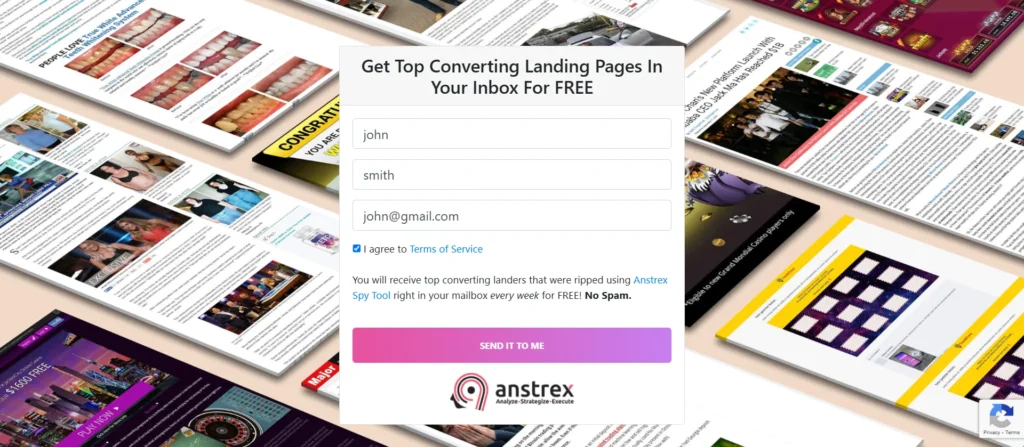
Here’s how to spot a goldmine inside your Anstrex Native or Push dashboard:
- Filter by Niche – Choose your campaign’s vertical (finance, beauty, crypto, or sweepstakes).
- Sort by Ad Strength – Ads with the highest score have shown consistency and conversions.
- Preview the Landing Page – Click the screenshot or “View Landing Page” button to see the full page structure.
- Check Engagement Metrics – Look for top-performing creatives that have been active for weeks.
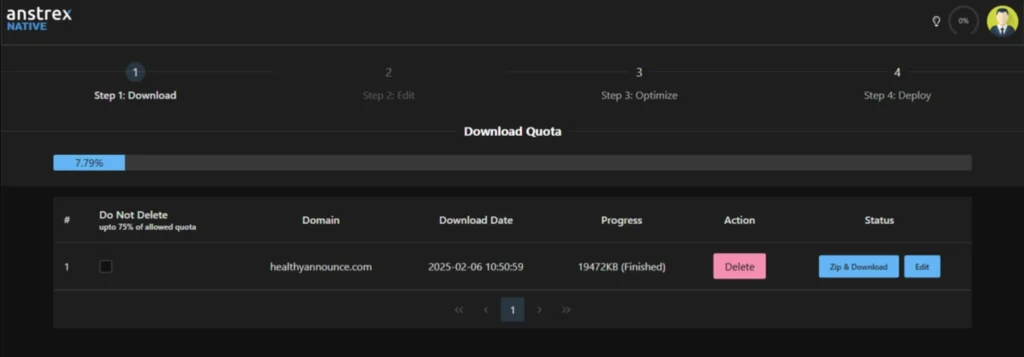
Once you’ve found the perfect candidate, click “Rip & Download.” That’s where the magic begins.
The Step-by-Step Ripping & Editing Process
Step 1: The One-Click Rip
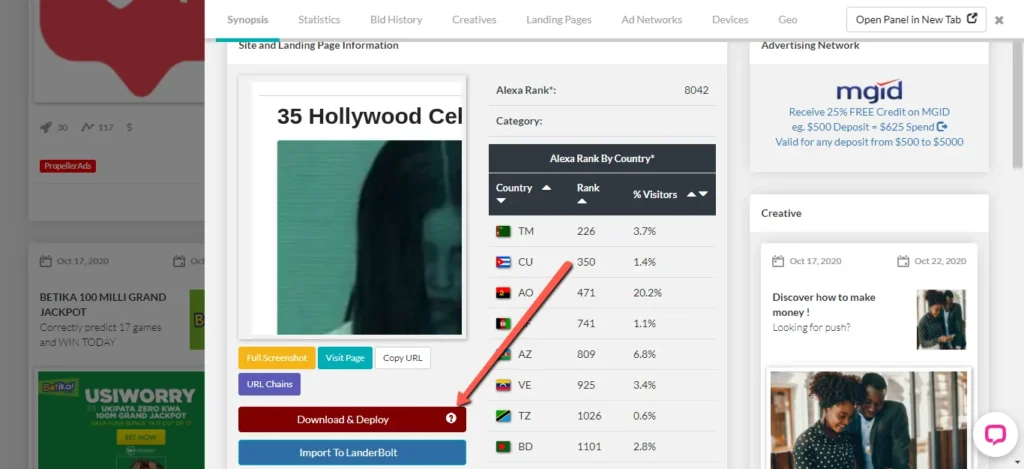
Inside any ad’s Synopsis tab, hit the “Rip & Download” button.
Anstrex instantly fetches all HTML, CSS, JavaScript, and images tied to that page. The files don’t clutter your PC—they’re saved securely to your Anstrex cloud account.
Step 2: Open in the Built‑In Editor
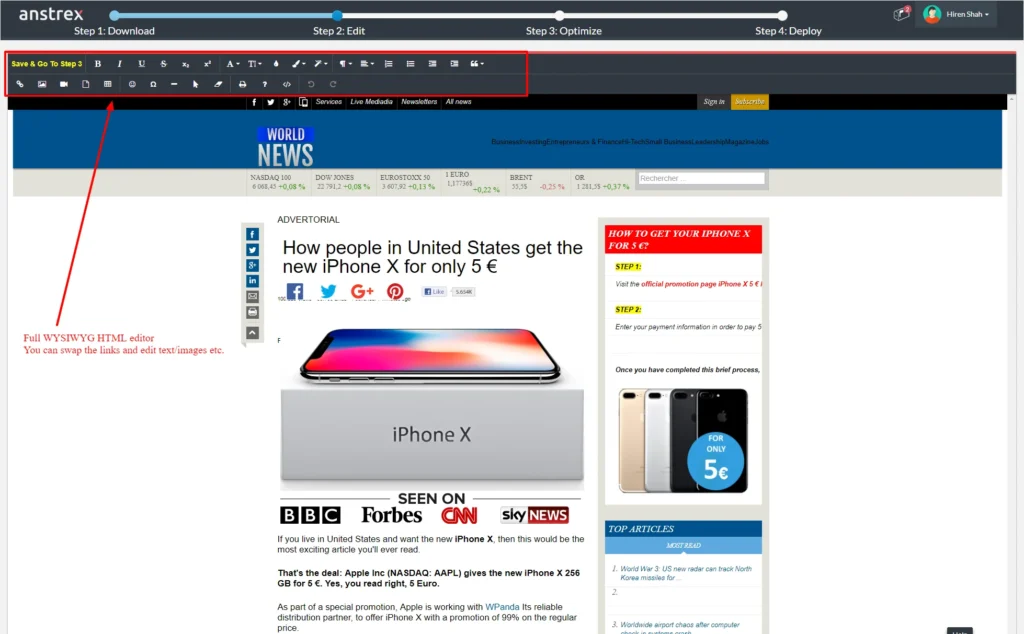
Click “Edit” to launch the built-in WYSIWYG Landing Page Editor. This is where marketers become designers without touching a single line of code. Choose between two modes:
Step 3: Customize Like a Pro
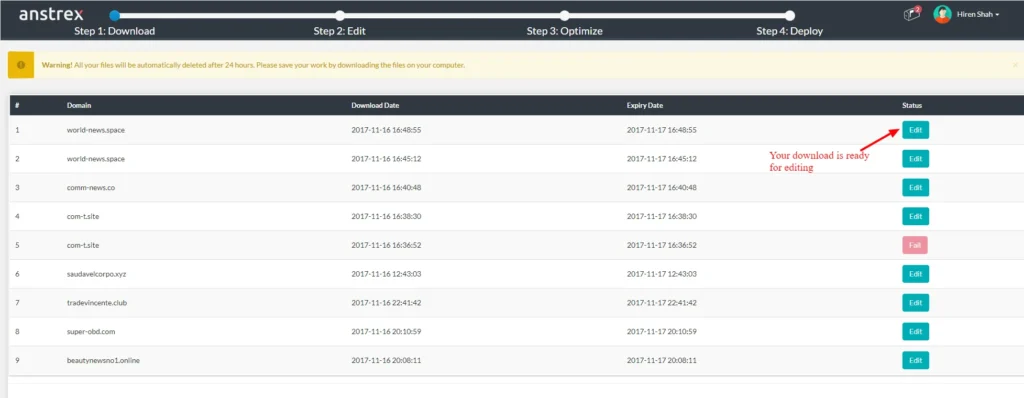
Swap out branded visuals, rewrite headlines, and preview changes instantly. The Find and Replace Links feature is a lifesaver—it updates every affiliate URL in one go, ensuring your clicks go to your own offers.
Optional power move: Clean the code. Advanced users can fine-tune scripts, remove unwanted trackers, or compress elements for faster performance. Anstrex also provides one-click minification for your CSS, HTML, and JS.
Step 4: Optimize for Speed
Before deployment, run the Optimize command. This automatically compresses images, minifies code, and trims redundant scripts—cutting load times dramatically and improving Quality Scores on ad networks.
Deploying Your Page Directly from Anstrex
Forget about complicated server logins. Once your landing page is ready, click “Deploy” straight from the editor.
Anstrex connects seamlessly to:
After linking your credentials (via a one-time setup), you can push your new page live with one click. The system even generates a public URL instantly, so you can test your page on mobile or desktop immediately.
For AWS users, Anstrex handles IAM permissions and bucket configurations effortlessly, making global hosting through CloudFront lightning-fast.
The 15-Minute Transformation: Before vs. After
Imagine starting with a page promoting someone else’s credit repair offer. Fifteen minutes later, you’ve got the same high-performing layout—but with your text, your brand colors, and your affiliate links.
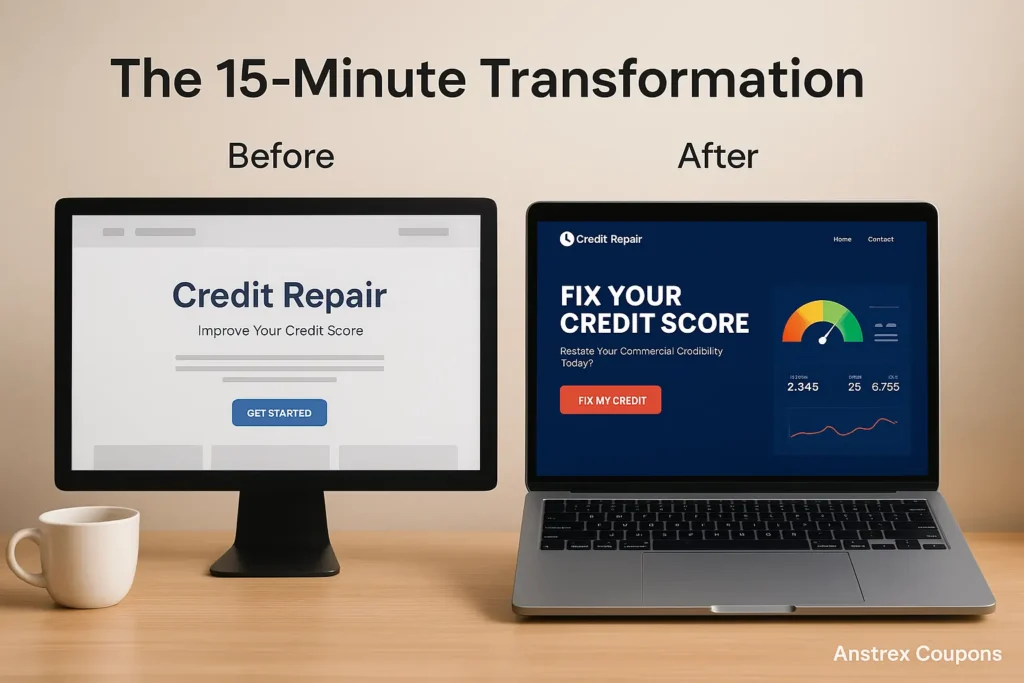
Everything—download, editing, optimization, and launch—happens inside Anstrex without leaving the interface.
Real Users on the Anstrex Landing Page Ripper
Users consistently praise the Landing Page Ripper as one of Anstrex's most valuable features. As one affiliate marketer shared on Trustpilot:
Anstrex's tight integration between spying, building, and hosting makes it the only toolkit where campaign ideation and execution live side by side.
From Spy to Launch in 15 Minutes

Let’s recap:
All this in under 15 minutes—without paying a designer, coder, or developer.
So instead of grinding through guesswork, start with what’s already working. Build smarter, scale faster, and go from spy to launch with Anstrex.
Try Anstrex today –
Experience the most practical shortcut performance marketers swear by.
Recommended Readings

Affiliate Disclosure: This post may contain some affiliate links, which means we may receive a commission if you purchase something that we recommend at no additional cost for you (none whatsoever!)